Transferring money to another account
Screen: Transfer, address /finances/transfer.
Who can make a transfer
Access to this section
This section opens with the matching permission on your account. If you do not see it, ask whoever invited you to your account, or write to support — access is granted in a couple of clicks.
How a transfer works
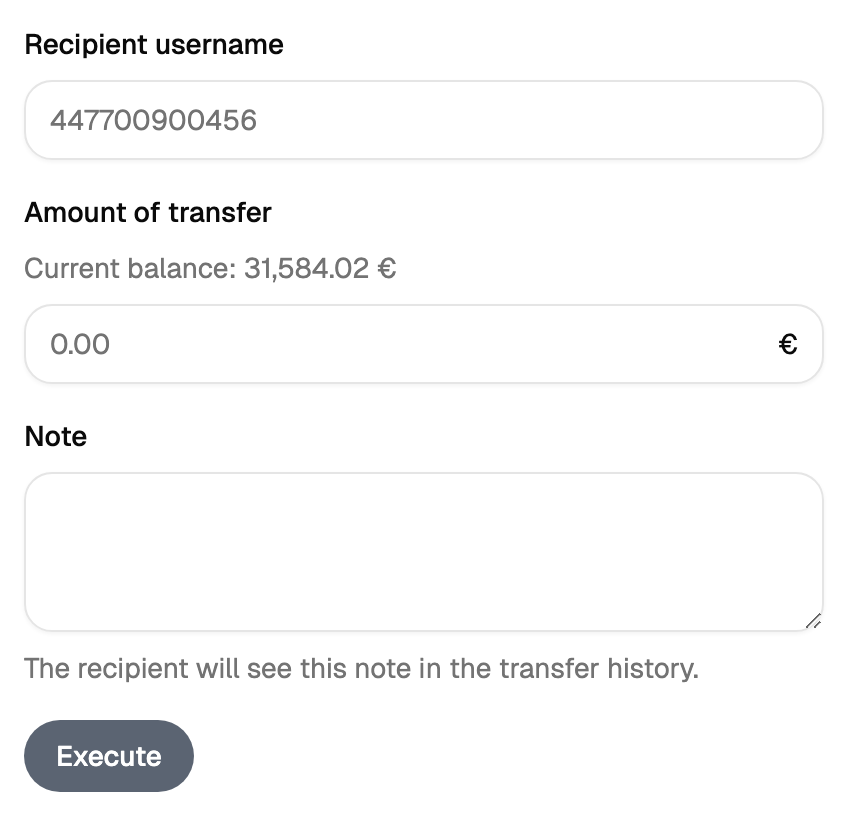
A transfer moves money from your balance to the balance of another active SMS-Docs account. You choose the recipient and the amount, and confirm.
Why the amounts may differ
The sum taken from you and the sum credited to the recipient can differ. The screen shows both figures before you confirm, so the place to check them is the form itself.
What the recipient sees
An arrival on the balance and a line in their financial report, in the debit column. The money is there straight away, so check the recipient and the amount before you press the button.